01 My role
Leading the Figma restructure end-to-end
I led the restructure from diagnosis through rollout. That included identifying operational problems, defining the new model, securing alignment from design leadership and senior designers, communicating the change to Product partners, and completing the migration.
My responsibility was not only to propose a cleaner structure. I had to create a model that matched how the product organization worked, build support for the change, and make sure it was implemented.

02 What I did
Building a product-line-based Figma structure
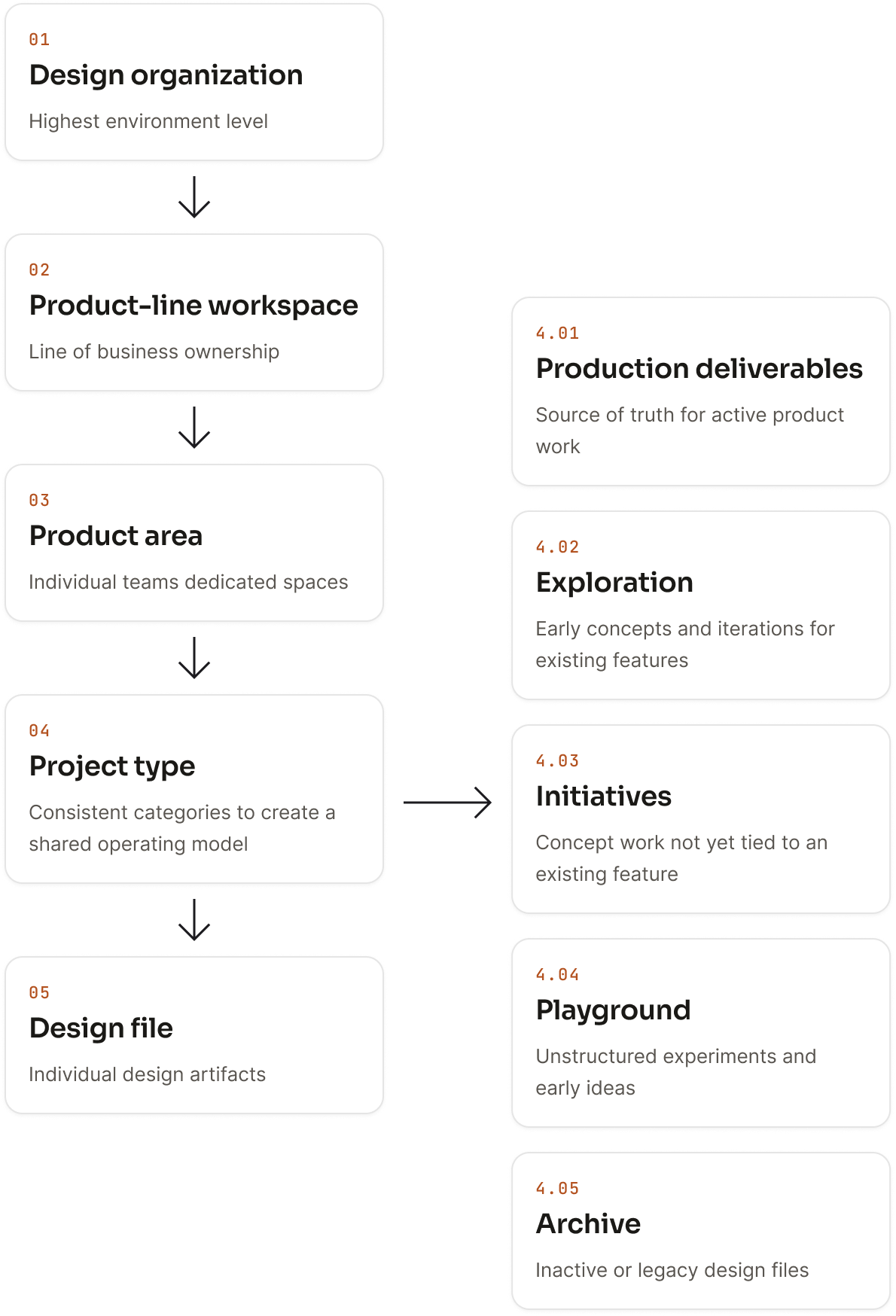
I reorganized Figma around durable product ownership rather than temporary teams or pods:
Design organization → Product-line workspace → Product area → Project type → Design file
I also introduced a shared project taxonomy:
- Production Deliverables
- Exploration
- Initiatives
- Playground
- Archive
This gave designers a clearer way to understand ownership, find work, and decide where new or existing files belonged. It also gave new product areas a structure they could join without creating another one-off workspace or naming model.
03 Example
Reviewing and placing 898 design files
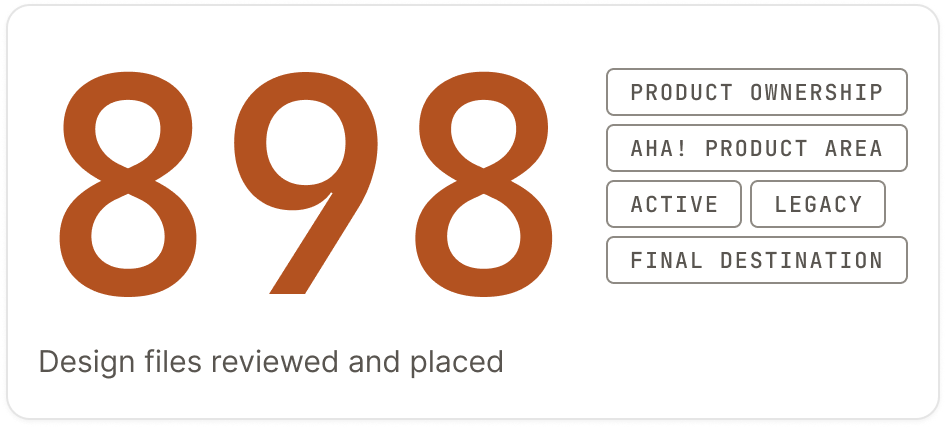
Designing the new structure was only part of the work. The harder part was reviewing the existing environment file by file and deciding where everything belonged.
I personally reviewed and placed 898 design files. Each file was evaluated against product ownership, its corresponding Aha! product area, whether the work was active or legacy, and its destination in the new structure.
That review also surfaced duplicate areas, outdated files, unclear ownership, and work that needed to be archived or reorganized.
04 Outcome
A clearer home for every product area
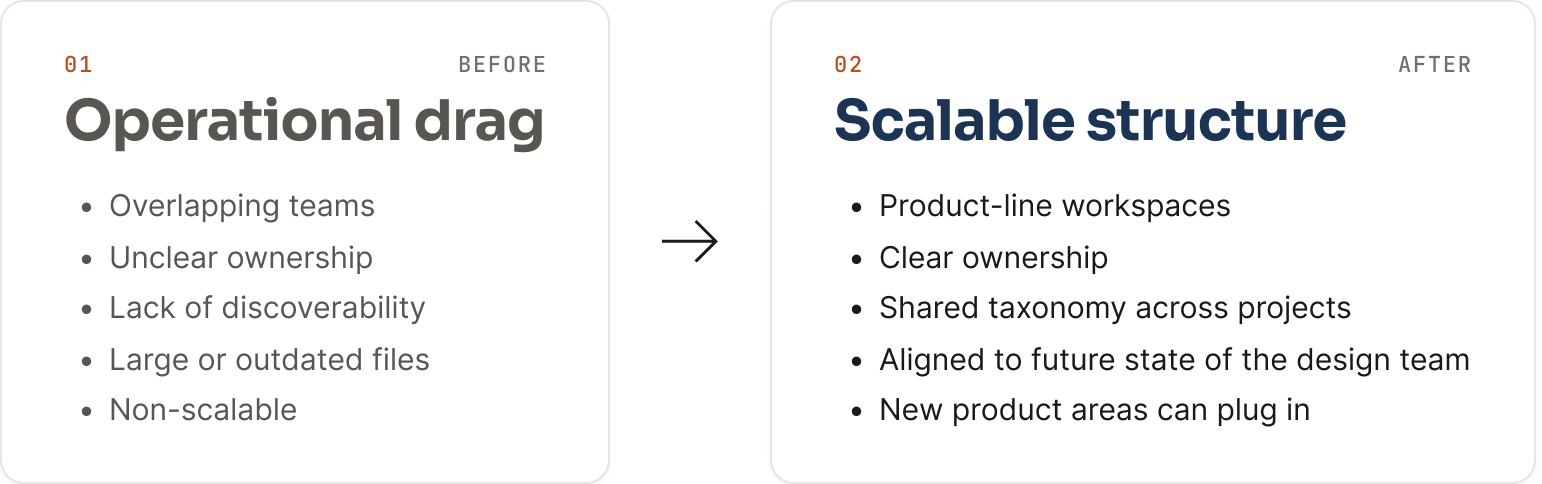
The restructure gave every product area a clear home in Figma. Ownership became easier to understand, files were less dependent on Slack links or individual memory, and designers had a consistent way to organize current and future work.
The new structure was adopted across the design organization and became the working model teams used to organize product design work.
New product areas could plug into the system without creating another one-off workspace or naming model. The result was a scalable DesignOps foundation that could support a larger, more distributed design team.
The work required both systems thinking and detailed execution: defining the model, building alignment around it, and completing the file-by-file migration needed to make the change real.
Before
Operational drag
- Overlapping teams
- Unclear ownership
- Lack of discoverability
- Large or outdated files
- Non-scalable
After
Scalable structure
- Product-line workspaces
- Clear ownership
- Shared taxonomy across projects
- Aligned to the future design team
- New product areas can plug in